
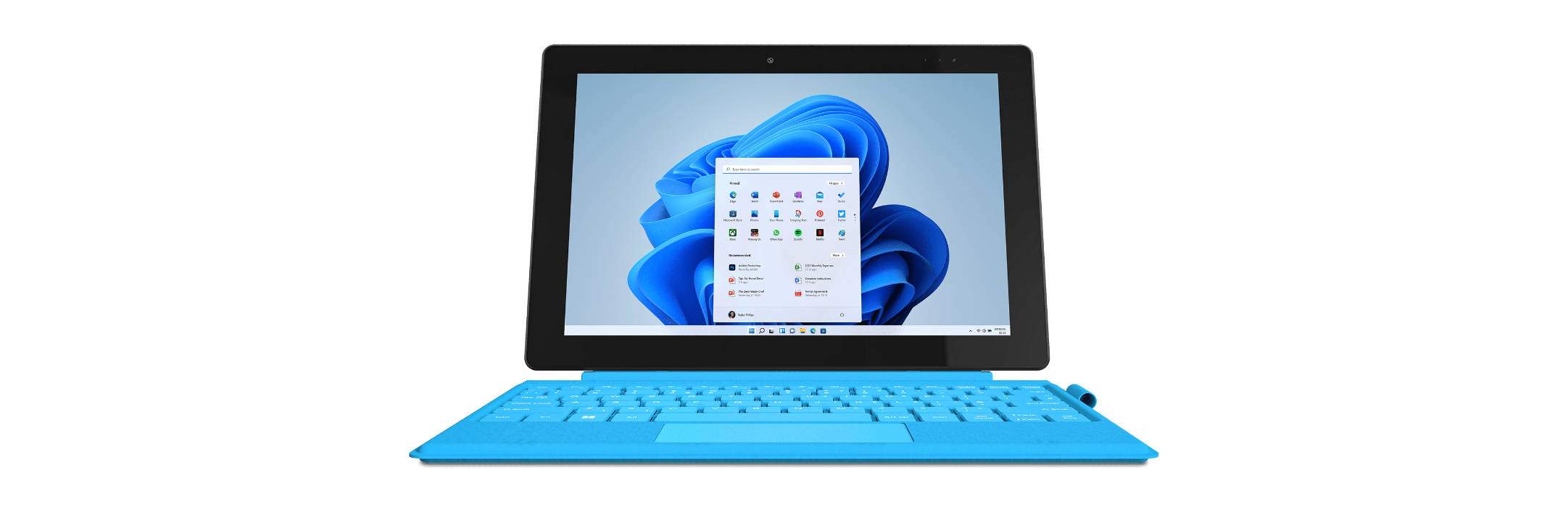
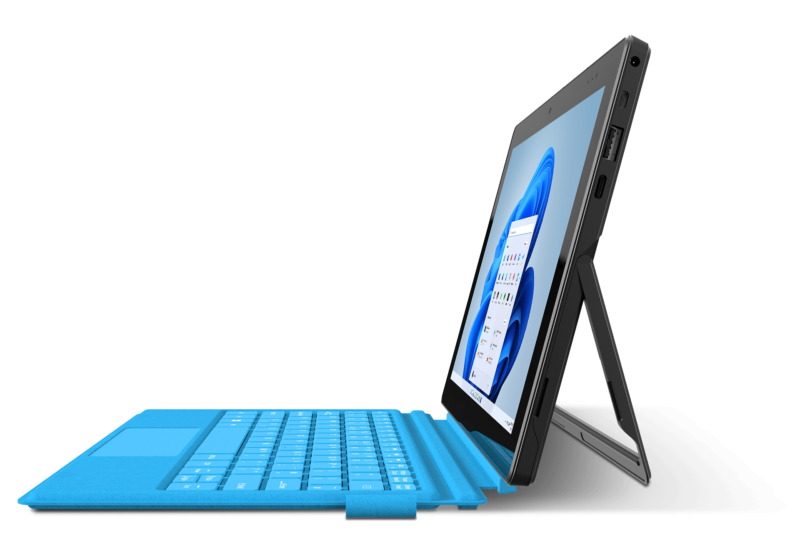
Over the coming months we are going to have a look at a brand new computer that can currently be had from its manufacturer for just £149. The GeoPad 110 is a 10.1″ 2-in-1 laptop/tablet sporting the very latest Microsoft Windows 11. Derek (G7LFC) is going to be reviewing it over the coming weeks and months to see just what it can do and whether there is any point in purchasing a bargain-basement computer during these times of limited pennies in the bank. By the way, we’ve gone for the rather fetching Ocean Blue model, over the Strawberry red model; not that this should affect it’s ability in the slightest.
GeoPad 110 Specifications
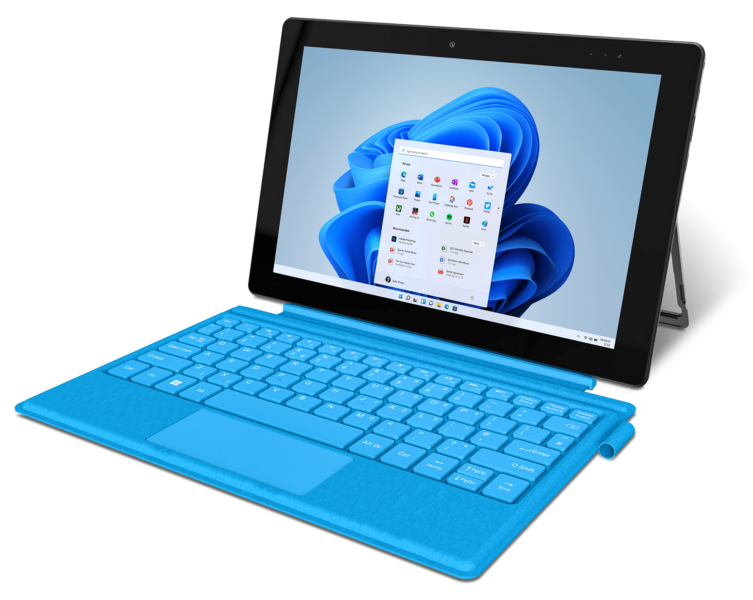
If you’re counting the pennies, and who isn’t these days, a brand new computer for less than £150 might seem very tempting, especially when it’s shipped with the very latest version of Microsoft’s venerable operating system – Windows 11.
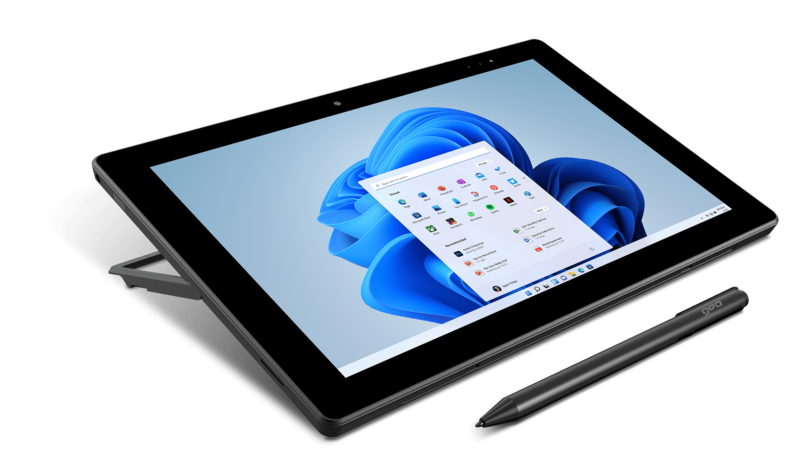
The device appears to be very versatile as it can function as either a tablet, using an on-screen keyboard, or as a laptop utilising the included detachable keyboard that doubles as a folio case to protect its screen when not in use.
Features-wise, it certainly seems to punch above its price point. In addition to the keyboard, you get a 10.5 hour (claimed) battery life, dual-band wifi, Bluetooth 5.0, an 8 mega-pixel camera, 2 mega-pixel forward-facing webcam, pen, a pretty standard 4GB of DDR4 RAM, and a high quality (again, claimed) microphone.
The display is obviously of the touch-type and features a resolution of 1920 x 1200 pixels (full HD). It is of the TN type, as you would expect from a laptop at this price-point, which mean that viewing angles won’t be a wide, nor colour accuracy be as good, as more expensive variants. We will see whether this is an issue, or an acceptable trade-off to keep the price down. The screen is driven by the on-processor Intel® UHD Graphics 600 processor using memory shared with the processor.
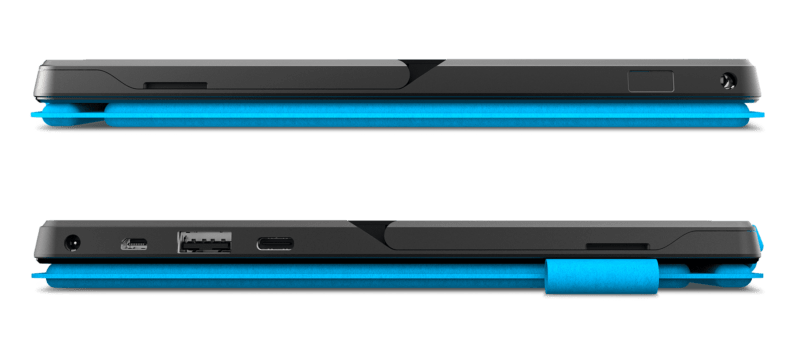
The device is pretty well equipped with ports. There are USB-C, USB 3.0, Micro-HDMI and 3.5mm ports available enabling you to connect almost any peripheral you might have with ease.
The GeoPad 110 comes supplied with 128Gb of solid state storage. This used to be standard on a MacBook Air as Apple believed most users would use a cloud-based storage solution whereby only documents currently being worked on were stored locally before being automatically uploaded and removed from the device’s internal storage. I used a Mac in this configuration for many years without any problem, so I don’t see this being an issue with the GeoPad. It is, however, of the slower eMMC variety, compared to SSD, but the GeoPad is most definitely built to a price so it is not a surprise. Don’t forget, mind, that Microsoft still utilises 64GB of eMMC storage in its entry level Surface Book 3 and it costs £200 more (although it does sport a more powerful processor, better screen, etc. – but then it doesn’t include a folio keyboard cover or pen). A MicroSD card slot is also provided, allowing you to expand the in-built storage by a further 128GB.
Of course, there is one component we haven’t discussed yet and it could be the one that determines whether this budget-priced 2-in-1 laptop is a hit or miss. Now, you’re not going to expect a 12th generation i9 CPU for less than £150, but will the dual-core 1.1GHz (2.8GHz burst) Intel® Celeron® N4020 Processor it actually contains enable the GeoPad 110 to be useful in any sphere of operation? It uses a 14 nano-meter manufacturing process and contains only 4Mb of cache, so it’s hardly cutting edge.
At 785g, the GeoPad 110 isn’t very light compared to the 544g Microsoft offering. However, it has to borne in mind that the GeoPad does include the folio keyboard case and pen, so this will account for some of the difference.
Security
A recent report in PC-Pro magazine revealed that AI bots are now capable of cracking passwords much quicker than previous automated methods which means that we all need to be paying more attention to the security of our devices and data. One way to bolster security is to use 2FA authentication which requires you to use a second authentication method, in a addition to a password – usually in the form of an app on your phone that generates an additional security code that changes every minute. However, password-less authentication is considered more secure and this usually involves biometrics; retina scans, fingerprints etc.
Fingerprint readers are normally only found on business computers costing many hundreds of pounds more than the GeoPad 110, but there is one to be found on this device.
Furthermore, Microsoft has been working hard on its anti-virus software, Defender. Included with all versions of Windows 11 the software is now competitive with some of the best paid-for software in the world. AV-Test ranked version 4.18 with 6/6 for protection, 5/6 for performance and 6/6 for usability, whilst Toms Guide ranked it the top free solution stating that “Microsoft’s built-in antivirus software is now a heavy hitter” and that it was “more than good enough to leave in place”.
Software
Included software shouldn’t be a deciding factor when purchasing a laptop these days. If you can afford a subscription to the software you wish to use then great, go ahead. But if you can’t, there are more than enough really decent applications and many of them can compete with paid-for competitors in terms of both features offered and performance. If Microsoft Office is a must, then you’ll be pleased with the 12-month subscription that is included; after that, though, you’re back to a standard single-user, or six-user family, subscription.
We have already mentioned that the supplied OS is Windows 11. It is important to note that it is the ‘S’ variant, rather than the ‘Home’ or ‘Pro’ offerings. This is the ‘secure’ version that can only install apps that reside on the Microsoft Store, the use of Edge for browsing, and restrict the installation of new drivers. For many, this will be fine and will help to keep dangerous software and websites, with their preying payloads, at bay; so it has its merits. However, you can turn ‘S’ mode off and convert the OS in to full-blown Windows 11 Home Edition. This is a one-way conversion, there’s no going back. This will be the first thing that we do upon unboxing as we want to test this device in many different ways.
£149, not a lot really
It isn’t for everything that is shipped, but what if you could get it even cheaper? Well, we did just that – £110. We purchased a refurbished unit from elecDirekt, an AO outlet store. It came with a full twelve month warranty and is as-new. At that price, it was hard to resist. So it is worth looking around.
Conclusion – further GeoPad 110 explorations
We looked for one of the cheapest new laptops on the market with a view to assessing it suitability for anybody and we found one. It’s developed and sold by Geo, a UK-based brand and part of the Tactus group (Microsoft’s 2021 Device Partner of the Year).
Having secured the device, we are going to see whether it can be of use to anyone. We’ll test Geo’s claim that you can “Work, study or play with GeoPad 110 – scribble or make notes on-screen with the included pen, catch up on your emails on the move with the included keyboard or just chill and watch a movie in crystal clear Full HD.” We will check to see whether the included software, Microsoft Office, will run effectively on it, or whether the powerful software is a step too far for such a low-cost device.
Now we are a technology club, so we won’t stop there. We’re going to check to see what we can get the device to do to support various technical activities. This will include coding, web design, 3D printing, producing sublimation printed t-shirts, and controlling external devices.
In addition to this, we will see how far we can push the device in the field of amateur radio. I’m expecting to be able to log with it, as that’s simple data-entry, but I want to see what I can do with regards to encoding and decoding various forms of data communication.
Now, to be honest, I’m not expecting great things with some of the more demanding tasks we’ll put the device to, but who knows; I might be pleasantly surprised.